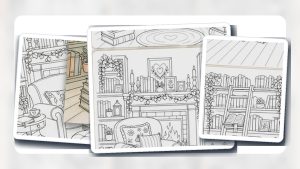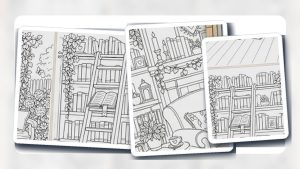

Printable guide hub

Printable coloring page setup and printing tips

Paper, printer settings, supplies, and packet setup for cleaner home and classroom coloring pages.

1 Use this hub

Print one test page before preparing a full packet.

2 Use this hub

Match paper weight to crayons, pencils, markers, or watercolor-style use.

3 Use this hub

Keep reusable PDFs organized so favorite pages can be printed again.

Browse printable coloring books Read the printing guide

Coloring page thumbnail selected in Preview on a Mac before printing
Printing Tips

How to Print Coloring Pages From a Mac Using Preview

Open the coloring page itself in Preview. If it is a single image or a one-page PDF, choose File > Print. If the page sits inside a longer PDF, choose View > Thumbnails, Command-click that page’s thumbnail, choose File > Print, and select Selection in Preview. Use Auto Rotate only when you want Preview to […]

Read guide
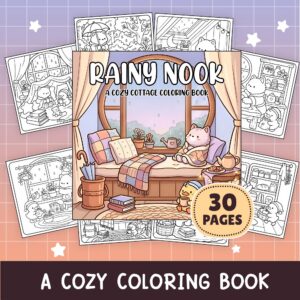
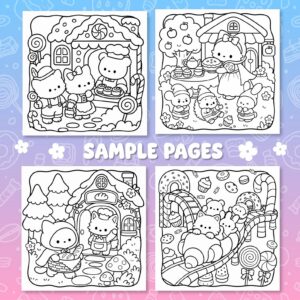
Rainy-day cat and duck coloring preview for printing pages from an Android phone
Printing Tips

How to Print Coloring Pages From an Android Phone

Open the coloring page, image, or file in Chrome on your Android phone. At the top right, tap More, then Share, then Print. Use the down arrow to open the available print settings, select your destination at the top, and tap Print. To stop before sending anything to paper, choose Save as PDF from the […]

Read guide
Sweet Wonderland Cozy Coloring Book preview for an iPhone and iPad printing guide
Printing Tips

How to Print Coloring Pages From an iPhone or iPad

On an iPhone, open the app that contains the item you want to print. Tap the Share, More, Reply, or Actions Menu button shown in that app, then tap Print; swipe up if Print is hidden. Tap No Printer Selected and choose a printer. Choose the number of copies and the pages to print, then […]

Read guide